Dreamina 4.0 AI Image Generator

Upload
Supports JPEG, PNG, GIF, WEBP, JPG formats Max 10MB, resolution max 4096 x 4096 pixels
Upload
 Log in to Create for Free
Dreamina 4.0 Core Features
Explore the powerful capabilities of Dreamina 4.0 and start your professional AI image creation journey
Multidimensional Control & Perspective Reconstruction
Supports flexible adjustments of perspective (e.g., eye-level to overhead), shot size (close-up to medium shot), and aspect ratio. Accurately responds to complex instructions like "change eye-level to overhead view, change close-up to medium shot," enhancing visual expressiveness and adaptability.
Style Transfer & Material Conversion
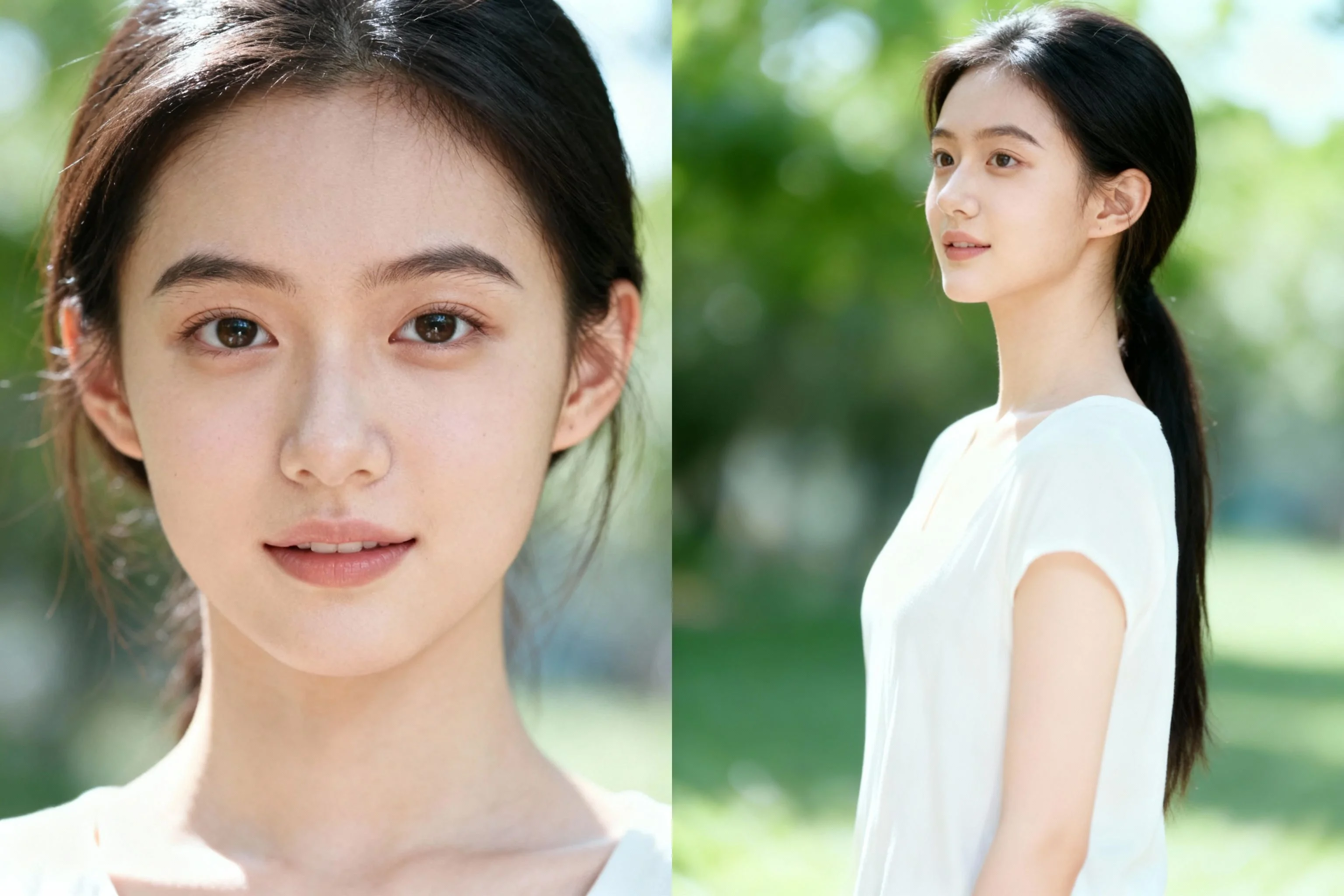
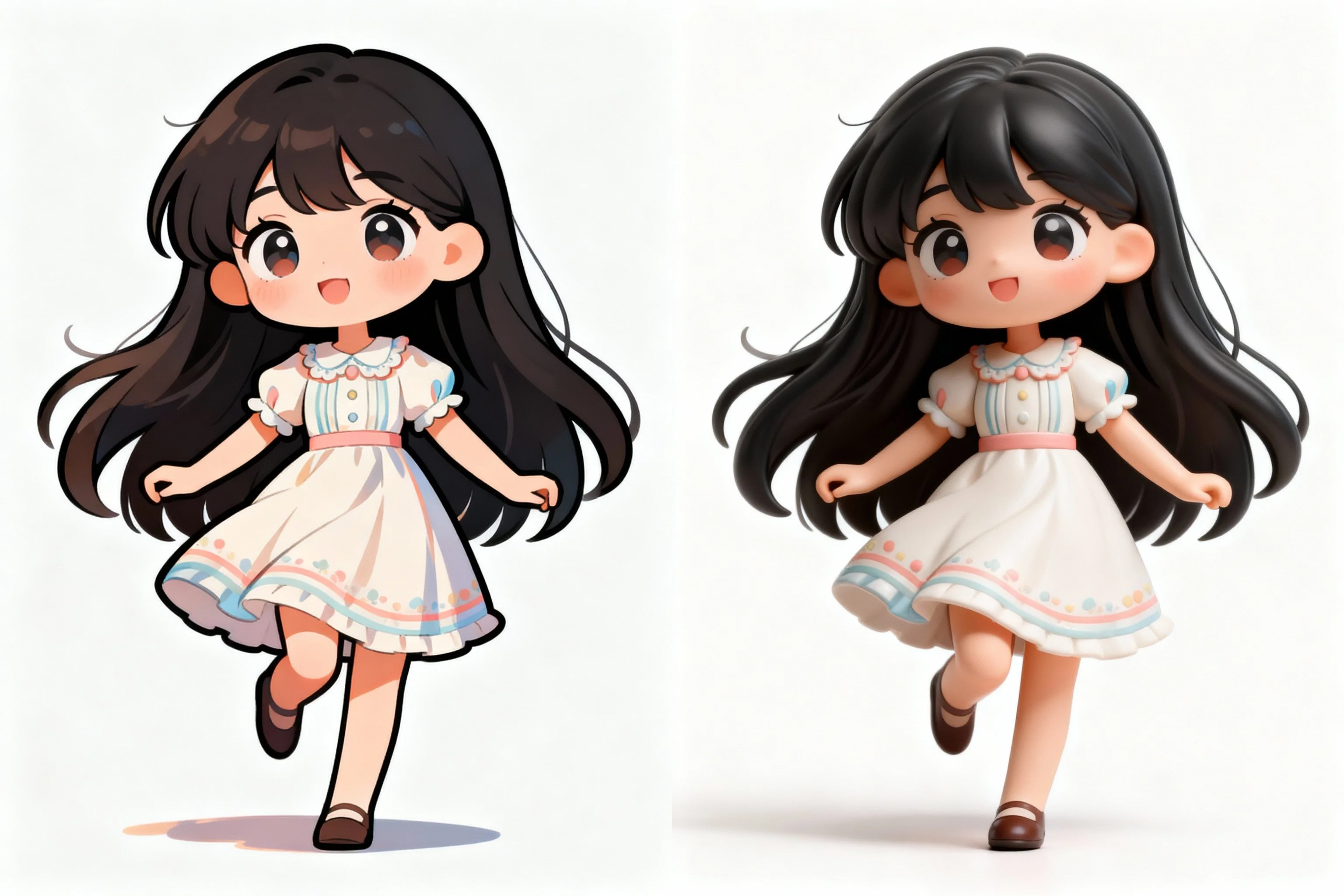
Achieves stylized processing like 3D to 2D, realistic to illustration/felt based on reference images. Supports material replacement (e.g., glass, ice, mechanical), meeting creative needs for blind box design and IP derivative development.
Detail Optimization & Commercial-Grade Texture
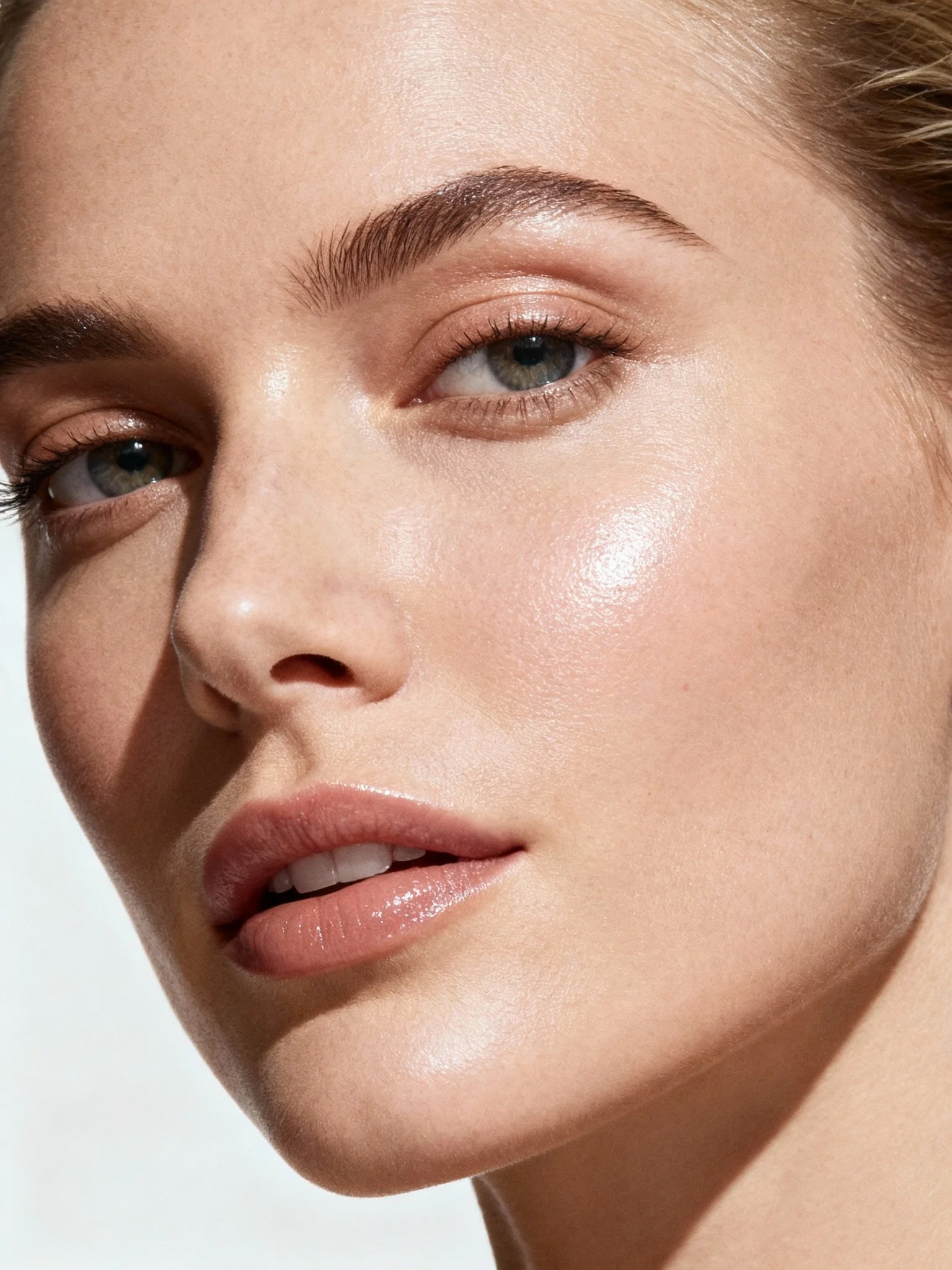
Naturally optimizes facial skin quality, clothing folds, and lighting effects. Achieves "retouch-level" processing while retaining skin texture and details, suitable for high-quality output scenarios like e-commerce product images and portrait photography.
Sketch Generation & Physical Construction
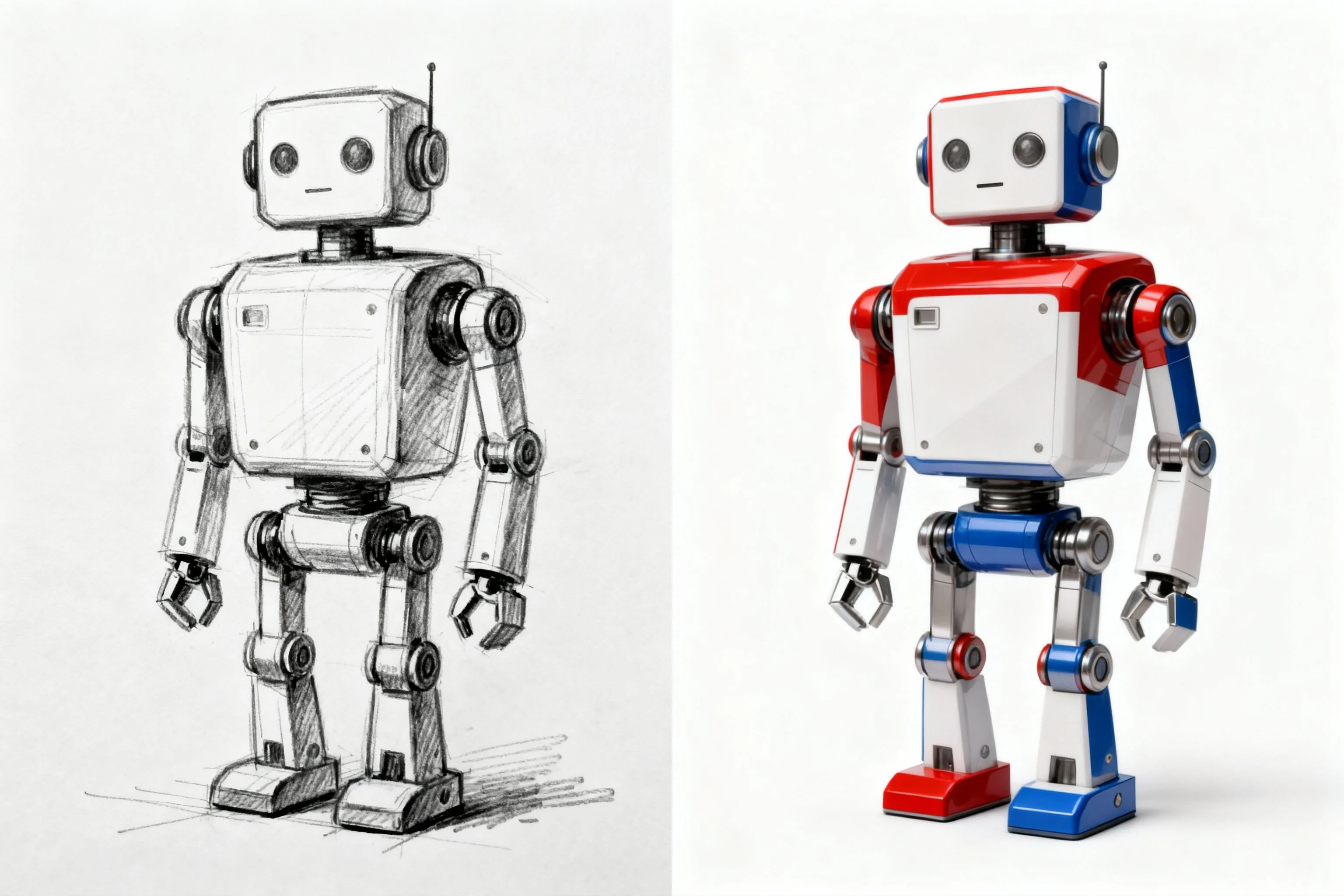
Generates high-quality physical images based on hand-drawn sketches, line art, or text descriptions. For example, transforming a sketch of an old TV into a realistic image, or generating a figure model based on a pose sketch, accelerating creative realization.
Multi-Element Fusion & Storytelling Composition
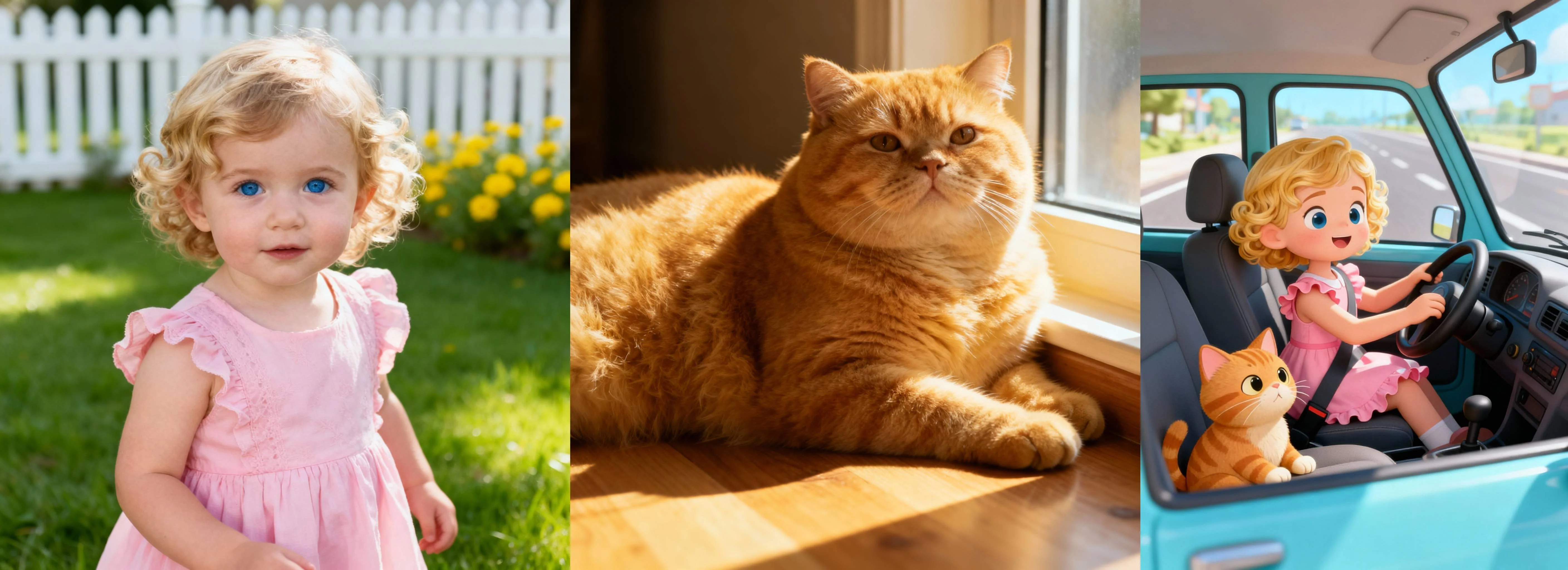
Supports synthesizing multiple characters or objects into the same scene with specified poses to generate coherent storyboards or scene groups. For example, "generate a girl and a cow doll riding a roller coaster at an amusement park," enhancing narrative expression capabilities.
How to Use
Three simple steps to start creating
- 1
Select Model
Choose Dreamina model in AI image tools
- 2
Input Content
Enter prompts or upload reference images
- 3
Generate Image
Click generate button, wait and download your image
WeryAI now deeply integrates the Dreamina 4.0 model, Dreamina 4.0 by ByteDance is an AI image generation and editing model based on advanced multimodal technology, focusing on providing high-precision, high-freedom visual content generation for commercial design, art creation, and social entertainment. It supports complex instructions from sketch generation and style transfer to detail optimization and multi-image fusion, truly realizing "language-driven creation" to help individual creators and enterprises efficiently produce professional-grade visual content.
YouTube Videos About Dreamina 4.0 Image Model
X Posts About Dreamina 4.0 Image Model
Explore Other AI Image Models on WeryAI


Frequently Asked Questions
Dreamina 4.0 is an AI image model launched by ByteDance. On WeryAI you can use Dreamina 4.0 to create stunning images from text prompts or reference images in seconds.
Yes. New users get free credits on signup — no credit card required. You can also earn more free credits through daily check-in, completing tasks, and inviting friends, so you can keep using Dreamina 4.0 without upfront payment.
It's easy: 1) Go to WeryAI's Text to Image tool; 2) Select Dreamina 4.0 from the model list; 3) Enter your prompt and click Generate; 4) Download or share the result.
Dreamina 4.0 stands out because of its multimodal input support including sketch-to-image, style transfer, and creative remixing capabilities. This makes it a unique choice among the dozens of AI image models available on WeryAI.
Dreamina 4.0 excels at concept art from rough sketches, style transfer experiments, and creative remixing workflows. Try it side-by-side with other models on WeryAI to see if it fits your specific creative needs.
Yes! On WeryAI's Text to Image tool, you can select up to 4 models and compare them side by side with the same prompt. This makes it easy to find the best model for your needs.
Disclaimer: WeryAI is an independently operated product/platform and has no affiliation with ByteDance or Dreamina 4.0, nor has it received any endorsement, authorization, or sponsorship from them. We simply provide users with a convenient way to access and use the Dreamina 4.0 model through a customized interface and API technology.

Start Using Dreamina 4.0 Now
Experience next-generation AI image generation technology and create stunning visual works
No credit card required, start creating now