Seedance 2.5 AI Video Generator

Upload
 Log in to Create for Free
Try these prompts
Community Featured Works
Stunning creations generated by AI models
What Is Seedance 2.5?
ByteDance Seed introduces Seedance 2.5 as a model for one-take creation and flexible referencing. Combine image, video, audio, and text references to guide characters, scenes, motion, camera work, and sound in one creative workflow.
Read the official Seedance 2.5 introductionSeedance 2.5 Core Features
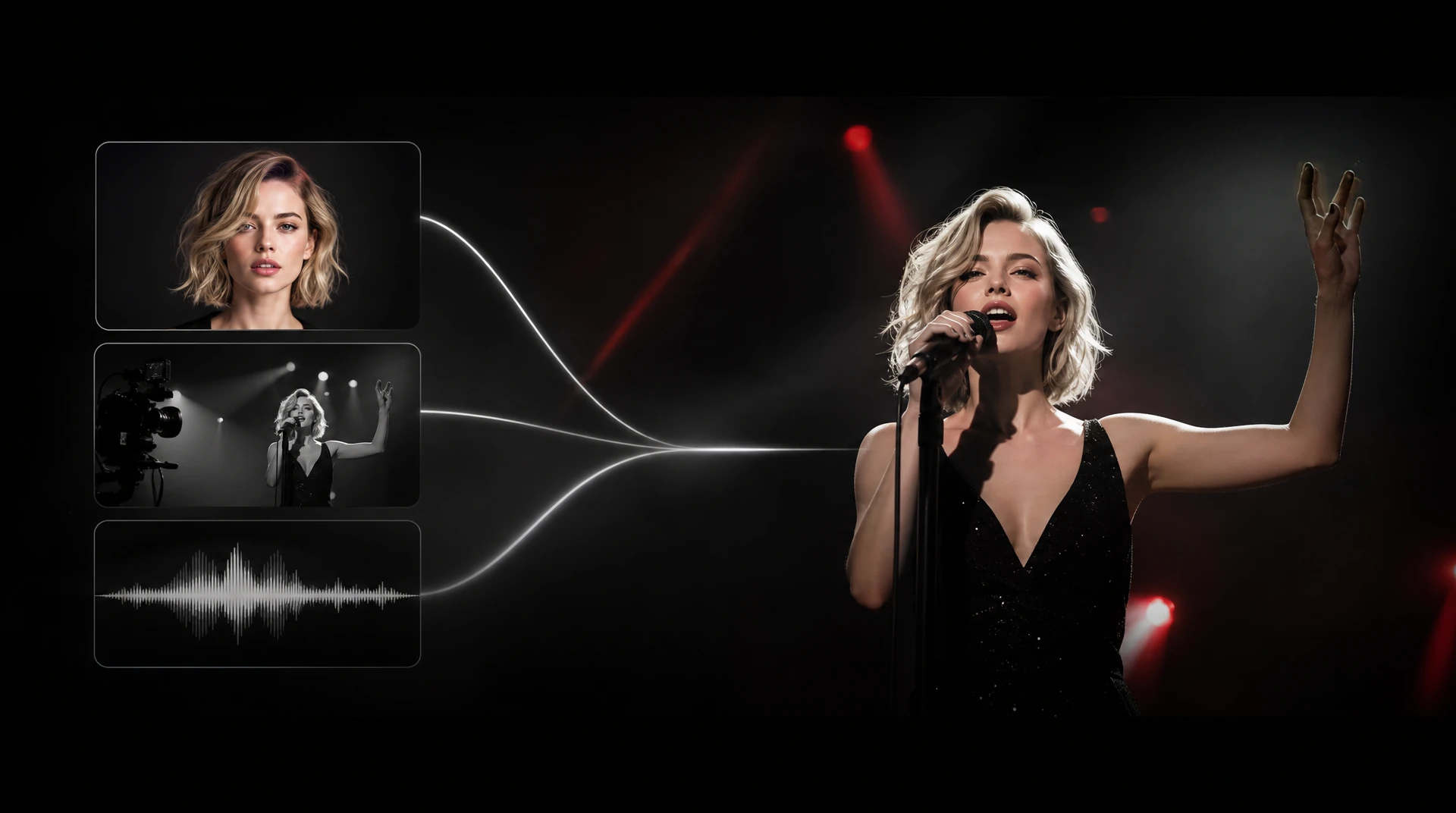
All-round multimodal reference
Understand image, video, audio, and text references together to control characters, scenes, motion, camera work, and sound.
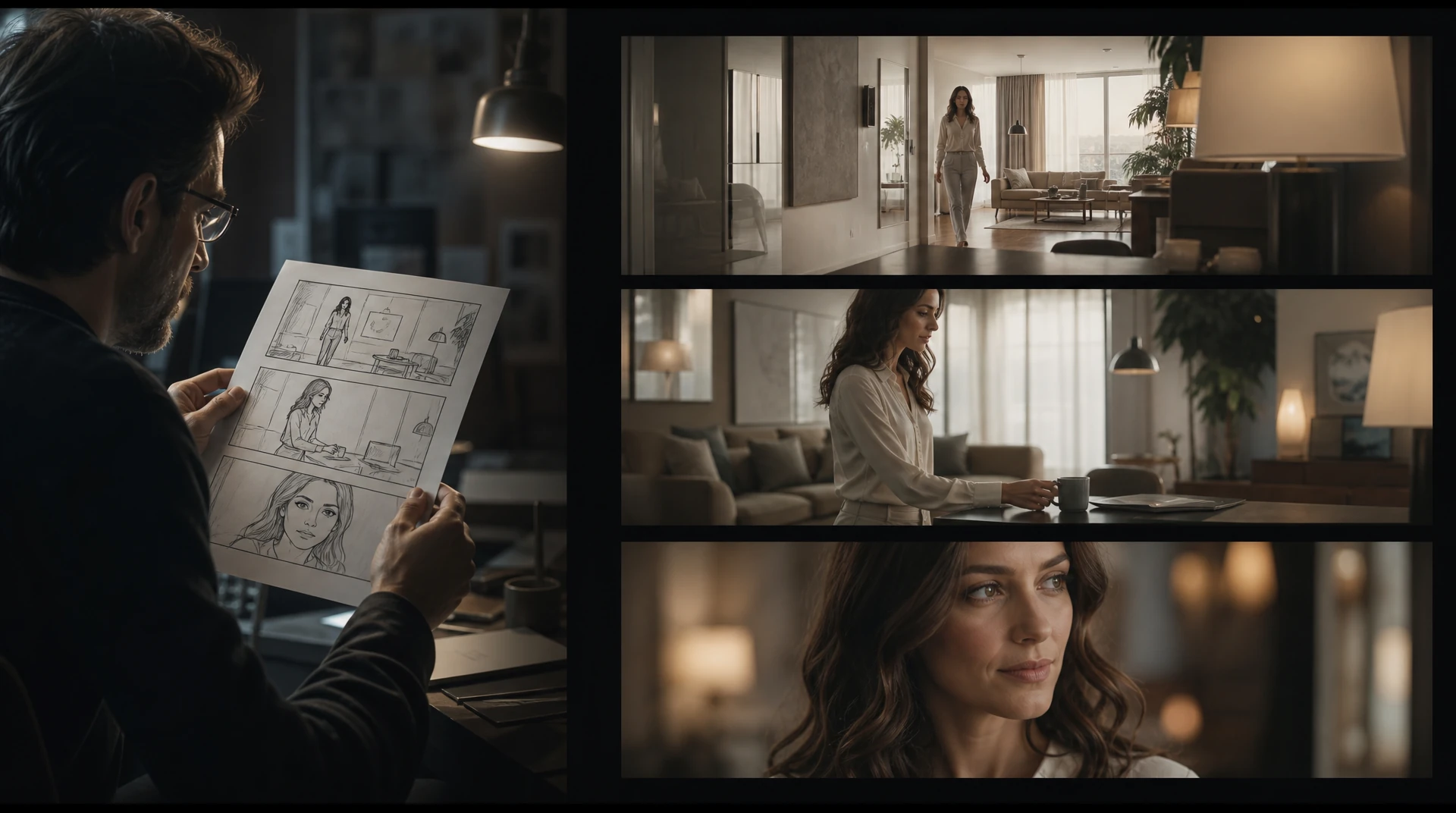
Director-level instruction following
Follow complex directions for shot design, subject movement, pacing, and style so the result stays close to your creative intent.
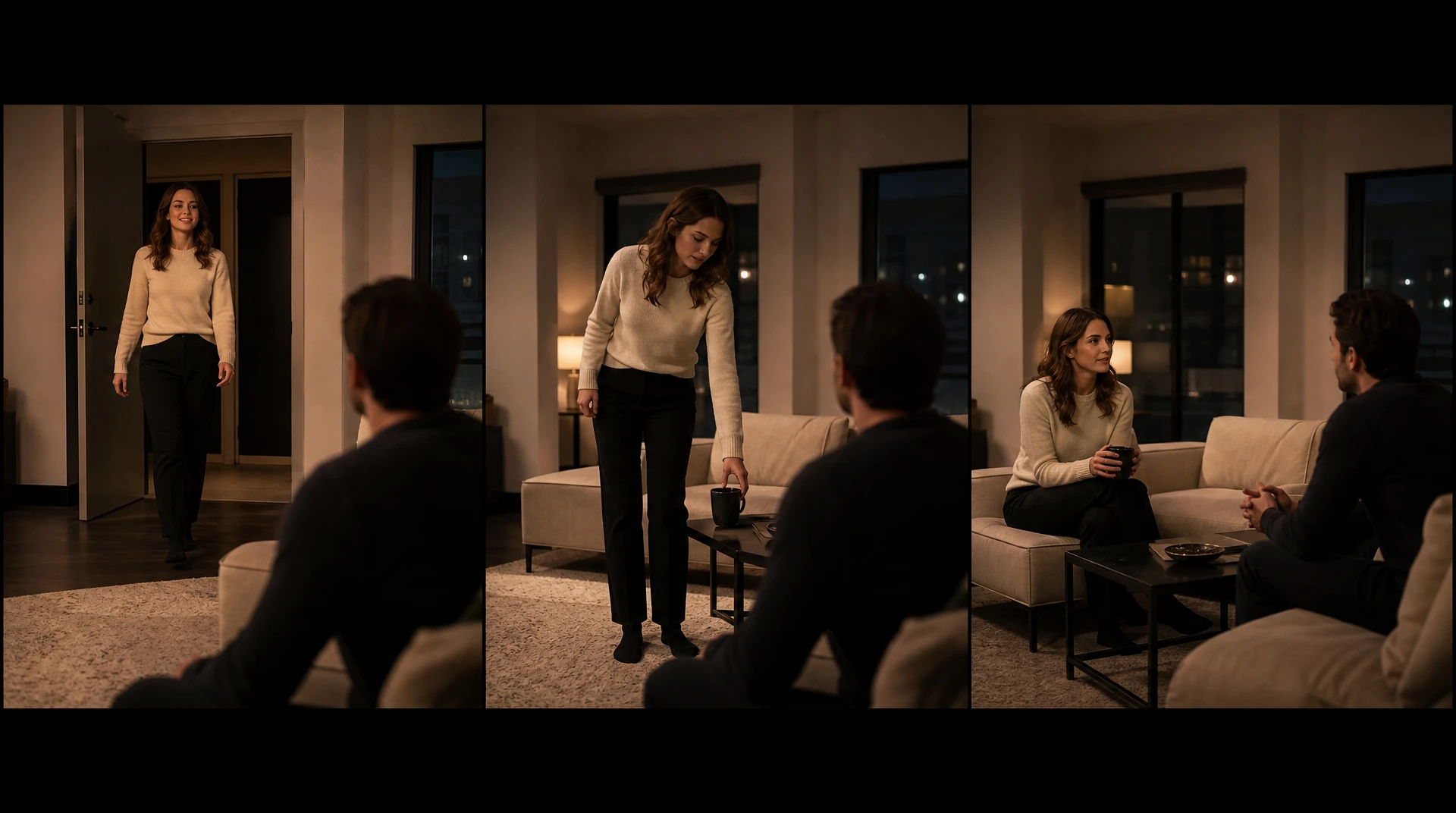
Long-shot and narrative consistency
Keep characters, scenes, action logic, and visual style consistent across continuous shots and multi-part narratives.
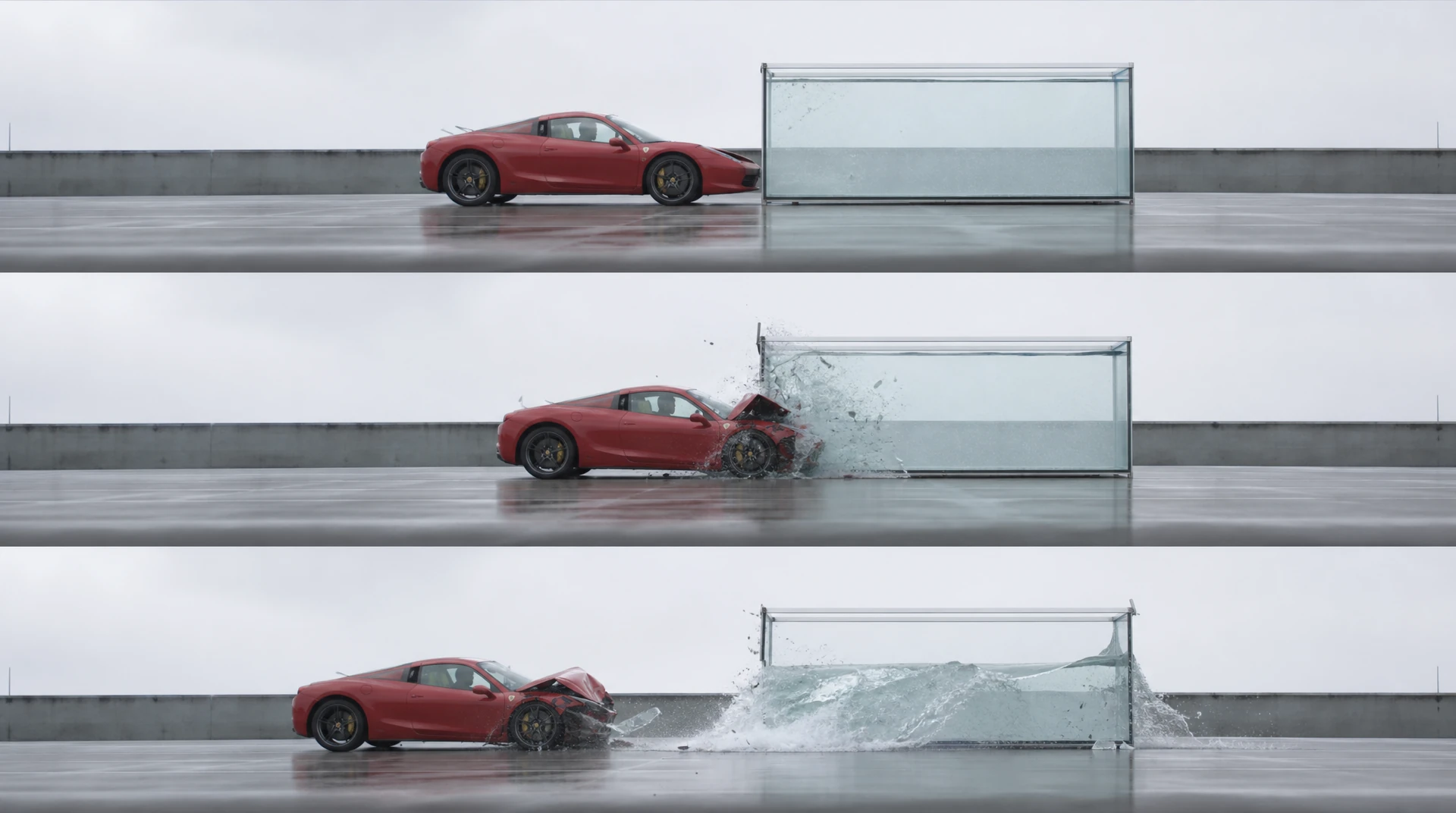
Physical laws and VFX simulation
Reproduce gravity, collisions, fluids, and lighting more naturally while creating credible cinematic visual effects.
How to Use
3 easy steps to start creating

Select Seedance 2.5
Choose Seedance 2.5 in the video generator.
Add References and a Prompt
Add image, video, and audio references as needed, then describe the target video with a text prompt.
Set Options and Generate
Choose the aspect ratio, a duration from 4 to 30 seconds, and output count, then create and download your video.
Use Seedance 2.5 for one-take creation with flexible image, video, audio, and text references. Add up to 30 images, 10 videos, and 10 audio clips and generate videos from 4 to 30 seconds.


Frequently Asked Questions
Seedance 2.5 combines images, videos, audio clips, and a text prompt in one generation.
You can add up to 30 images, 10 videos, and 10 audio clips, for 50 reference assets in total.
Each video or audio clip can be 2–30 seconds. Video and audio totals are calculated separately, with up to 30 seconds for each type.
The generated video can be set from 4 to 30 seconds.
Select Seedance 2.5 in the WeryAI video generator to start creating.
It means you can describe a complete shot and combine flexible references in one creative workflow instead of building the scene from separate disconnected steps.
WeryAI provides free trial credits for eligible users. Select Seedance 2.5 in the video generator to check the current availability and limits for your account.
Yes. Add image references, describe the desired motion or scene with a prompt, and select Seedance 2.5 in the WeryAI video generator.
Disclaimer: WeryAI is an independently operated product/platform and has no affiliation with ByteDance or Seedance, nor has it received any endorsement, authorization, or sponsorship from them. We simply provide users with a convenient way to access and use the Seedance 2.5 model through a customized interface and API technology.

Ready to Start Creating?
Try Seedance 2.5 and turn multimodal references into a complete video
No credit card required