AI Image Background Remover
Click to upload image
Supports JPEG, PNG, WEBP and more. Max size 15MB. Max resolution 4096×4096 pixels.
0Credits
Log in to Create for Free

Try Now

AI Image Background Remover
Precise AI Background Removal
Remove backgrounds from any image in one click. Our AI detects subjects with hair-level precision and outputs clean transparent PNGs — perfect for e-commerce, portraits, and design.
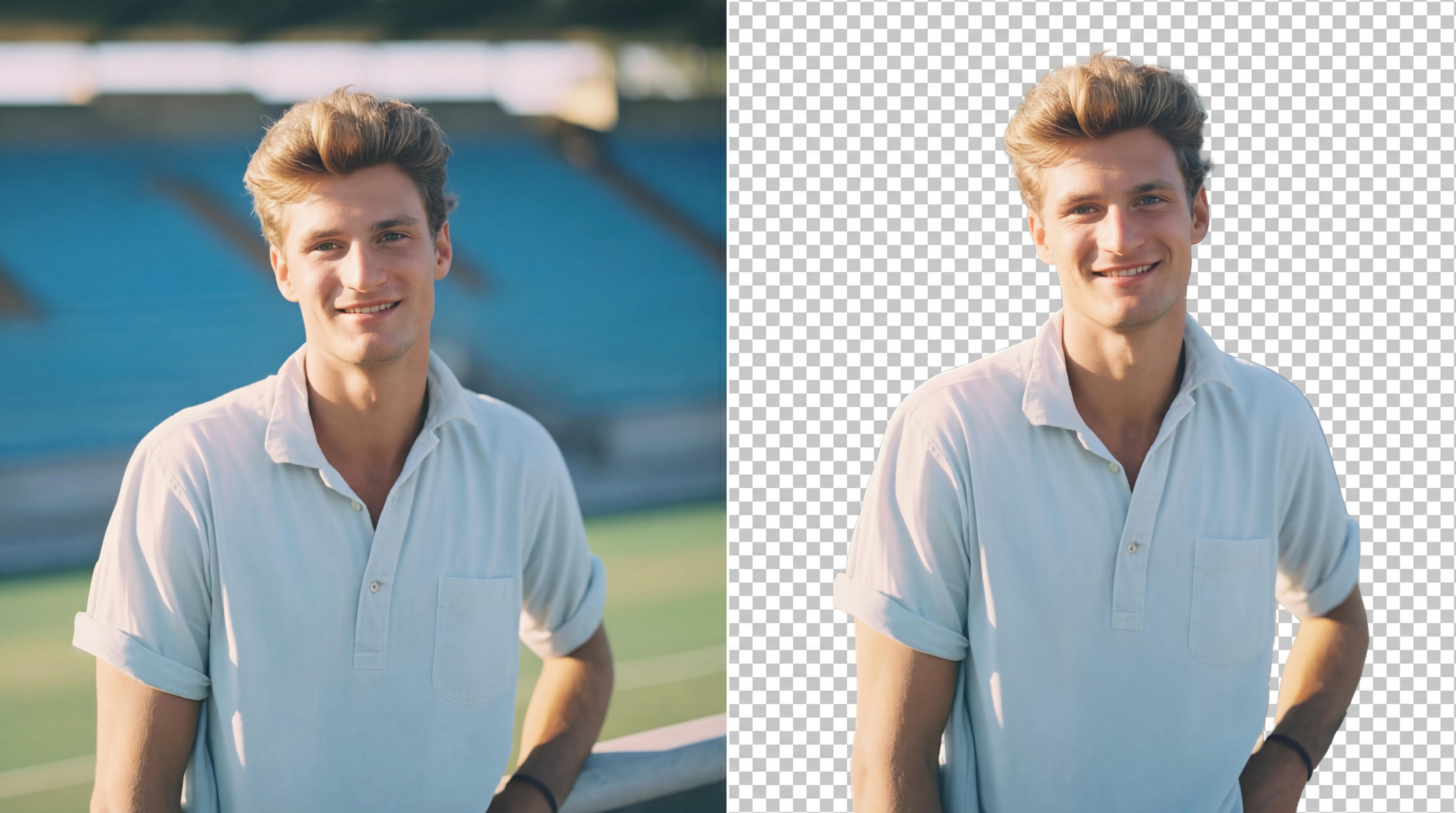
Two background modes for different jobs
One-click background removal
Upload any photo and get a clean cutout in seconds. No manual selection or complex tools needed — just one click for professional results.
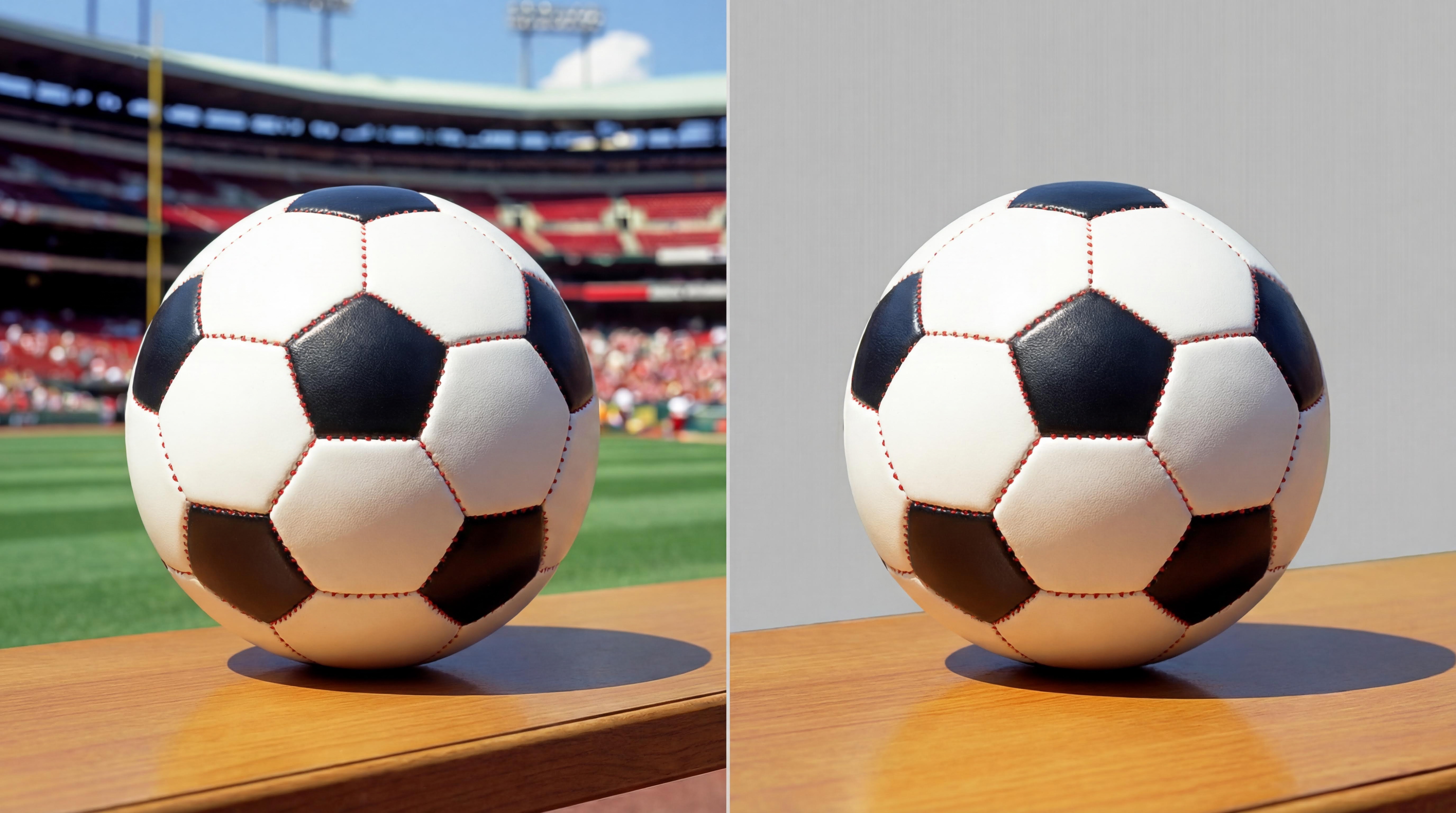
Hair-level AI precision
Advanced AI handles complex edges like hair, fur, and semi-transparent objects with pixel-perfect accuracy, delivering studio-quality cutouts.
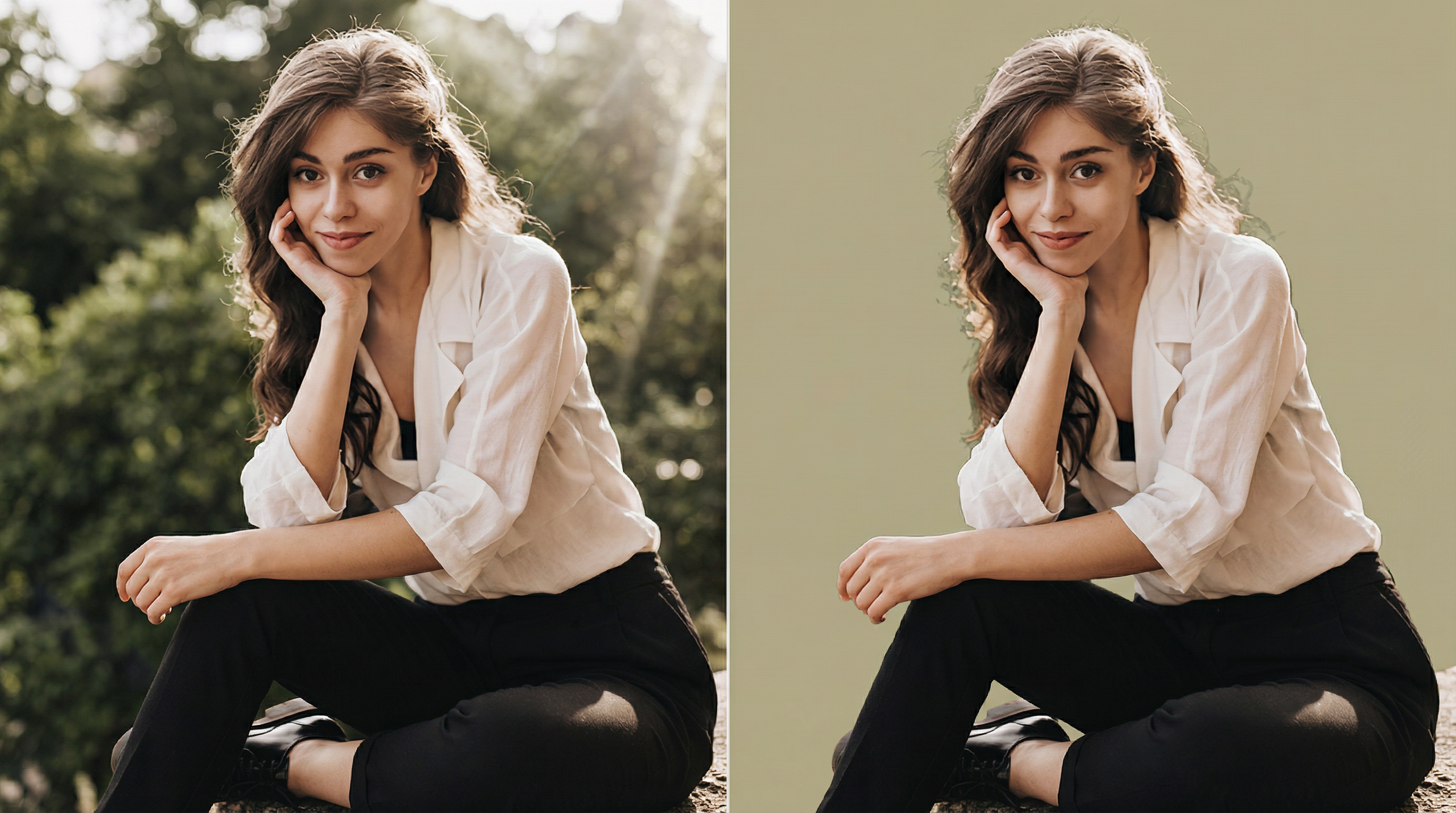
E-commerce & portrait ready
Perfect for product listings, ID photos, team headshots, and social media content. Batch processing supports high-volume workflows.

How to remove background from image with AI
1
Upload Image
Upload a photo or image with a background you want to remove.
2
AI Detection
AI automatically detects and separates the subject from the background.
3
Download
Export the cutout as a PNG with transparent background.
Explore More Cutting-Edge AI Image Tools from WeryAI
FAQ
What is an AI Background Remover?
How accurate is the subject detection?
Can I process multiple images at once?
What output format do I get?
Is it free to use?